Buy or Build? A Practical Guide to LLMs for AEC Firms in 2026
Most articles about AI in AEC stop at “you should be using it”. That advice is no longer useful.
The interesting question in 2026 is how to source them.
Do you pay a per-token bill to a provider like Anthropic, OpenAI, or Google? Do you rent a GPU in the cloud and run an open-weight model yourself?
Or do you put a machine under a desk in your own office?
This decision has real consequences for cost, data privacy, and how much engineering effort you sink into infrastructure instead of into your actual work.
It also gets tangled up with a second question that’s just as important: AEC firms don’t need one model.
A studio drafting RFIs, parsing spec PDFs, and producing concept renderings is touching at least three completely different kinds of AI, and lumping them together is how budgets get wasted.
This guide walks through both questions.
A quick note before we start: every price below is current as of mid-2026 and will drift. The relationships between options tend to hold longer than the absolute numbers, so treat the dollar figures as a snapshot and the reasoning as the durable part.
The spectrum: it's not really "buy vs build"
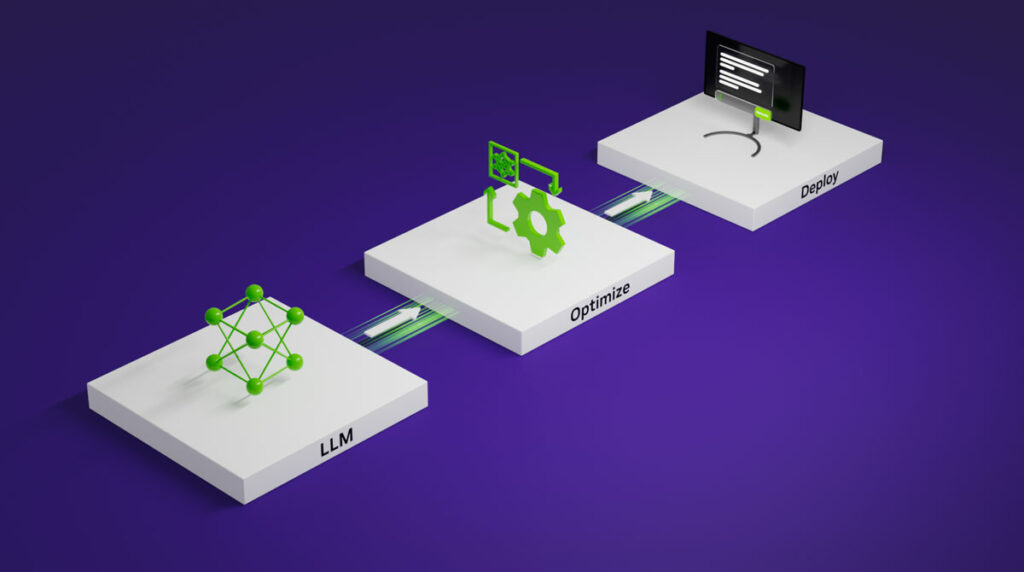
It’s tempting to frame this as a binary — pay a subscription, or host your own. In practice there are four positions on a spectrum, each trading convenience for control:

1 – Managed API — You send text to Anthropic, OpenAI, Google, or DeepSeek and pay per token. Zero infrastructure. You get the best models the moment they ship.

2 – Hosted open model (managed) — A provider like Together, Fireworks, or AWS Bedrock runs an open-weight model (Llama, Qwen, DeepSeek) for you, still billed per token but with more model choice and sometimes better data terms.

3 – Self-hosted on rented GPUs — You rent an H100 or RTX-class GPU by the hour and run the model yourself. You own the deployment; the hardware belongs to someone else.

4 – Self-hosted on owned hardware — A GPU server in your office or a colocated rack. Maximum control and privacy, maximum responsibility.
Convenience is highest at the top, control and privacy are highest at the bottom, and cost is genuinely U-shaped — cheap at low volume via API, cheap again at very high volume via owned hardware, and awkward in the middle.
Add Your Heading Text Here
The pitch is simple: you write code that calls an endpoint, and the hardest problems in modern computing — training frontier models, keeping GPUs fed, scaling to spikes — are someone else’s job.
For the overwhelming majority of AEC firms, this is the correct default, and it’s worth being honest about why.
The major providers
The four providers worth knowing each occupy a slightly different niche.
Anthropic (Claude) leads on coding, long-document reasoning, and agentic workflows — the kind of multi-step tasks where the model has to stay coherent across a large context. For AEC that maps cleanly onto reading a 300-page spec, reasoning across a set of contract documents, or driving a plugin that does several things in sequence. The current lineup is Opus 4.8 (the flagship), Sonnet 4.6 (the balanced workhorse), and Haiku 4.5 (the fast, cheap tier).
OpenAI (GPT) has the broadest product surface and the widest price ladder, from the GPT-5.5 flagship down to tiny Nano models for high-volume routing. It’s the safe institutional choice and has the deepest tooling ecosystem.
Google (Gemini) is strongest on price-per-capability in the mid-tier and has the most generous free tier for prototyping. Its Flash models are aggressively cheap, and it integrates naturally if your firm already lives in Google Workspace.
DeepSeek is the disruptor. Its V4 models deliver near-frontier performance — within a point or two of Claude and GPT on coding benchmarks — at roughly one-tenth to one-twentieth the price. The catch, which matters a great deal in AEC, is that DeepSeek is a Chinese company, and routing client project data through it raises data-sovereignty questions that many US and EU clients will not accept. More on that below, because there’s an important misconception bundled into “cheap” that’s worth untangling.

Managed API pricing, side by side
All prices are USD per million tokens (MTok). Input is what you send (prompts, documents, context); output is what the model generates. Output is consistently the more expensive side.
| Provider | Model | Input ($/MTok) | Output ($/MTok) | Best for |
|---|---|---|---|---|
| Anthropic | Claude Opus 4.8 | $5.00 | $25.00 | Hardest reasoning, coding, agents |
| Anthropic | Claude Sonnet 4.6 | $3.00 | $15.00 | Best all-around price/quality |
| Anthropic | Claude Haiku 4.5 | $1.00 | $5.00 | Fast classification, extraction |
| OpenAI | GPT-5.5 | $5.00 | $30.00 | Flagship reasoning |
| OpenAI | GPT-5.4 | $2.50 | $15.00 | Strong production balance |
| OpenAI | GPT-5.4 Mini | ~$0.75 | ~$6.00 | High-volume mid-tier |
| OpenAI | GPT-5.4 Nano | $0.20 | $1.25 | Cheap routing/extraction |
| Gemini 3.1 Pro | $2.00 | $12.00 | High-accuracy, long context | |
| Gemini 3.5 Flash | $1.50 | $9.00 | Cheap, capable workhorse | |
| Gemini 3.1 Flash-Lite | $0.25 | $1.50 | Bulk, simple tasks | |
| DeepSeek | V4 Pro | $0.435 | $0.87 | Near-frontier at a fraction of cost |
| DeepSeek | V4 Flash | $0.14 | $0.28 | Cheapest capable option |
Three cost levers cut across every provider and are worth building into any real estimate:
- Prompt caching drops the cost of repeated input (a system prompt, a reference document you query many times) by around 90%. For RAG over a fixed set of project documents, this is enormous.
- Batch processing runs non-urgent jobs asynchronously for roughly half price. Overnight document tagging, bulk summarization, and offline analysis all qualify.
- Model selection is the single biggest lever. Routing simple tasks to a cheap model instead of defaulting everything to the flagship routinely cuts a bill by 70% or more.
Pros and cons of buying
Pros: No infrastructure to build or maintain. Instant access to the best available models. Costs scale to zero when you’re not using it — send nothing, owe nothing. Reliability and scaling are the provider’s problem. Adding an AI feature can be a one-line code change rather than a hardware procurement project.
Cons: Your data leaves your machine and passes through a third party. Costs are usage-based and can spike unpredictably without monitoring. You’re dependent on the provider’s uptime, pricing decisions, and model deprecation schedule. And at very high, steady volume, you’re paying a margin that self-hosting would avoid.
That data point matters: most providers offer enterprise terms with zero data retention and a commitment not to train on your inputs. For AEC firms handling confidential client material, getting those terms in writing — and confirming SOC 2 or equivalent compliance — is not optional. It’s the difference between a defensible workflow and a liability.
Option 2: Hosting your own model
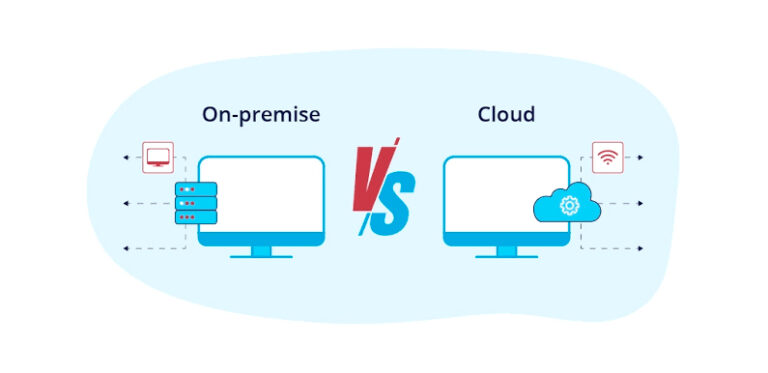
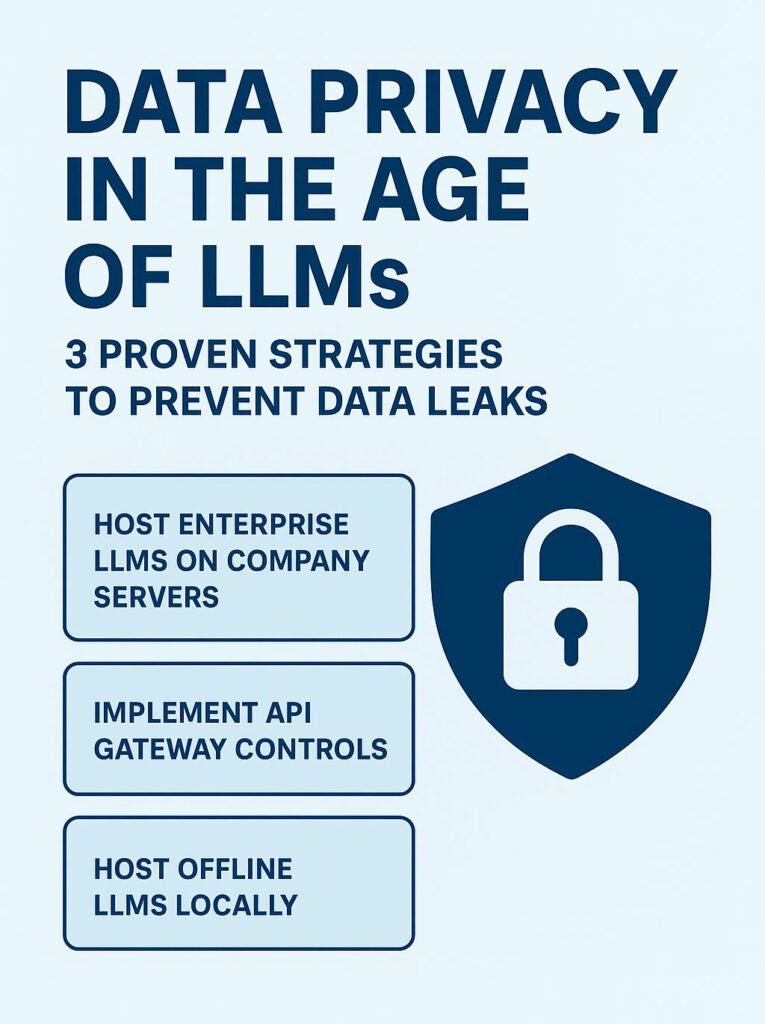
Self-hosting means running an open-weight model — one whose parameters you can download — on hardware you rent or own. The appeal is real: your data never leaves your control, your per-token cost at scale can be a fraction of API pricing, and you’re insulated from a provider changing prices or retiring a model you depend on.
The reality is that self-hosting wins in a narrower set of cases than its advocates suggest, and the reasons are mostly hidden costs.
The open-weight model landscape
The open ecosystem has matured to the point where, for many everyday tasks, the gap to frontier closed models is a few percentage points rather than a chasm. The families worth knowing:
- Qwen 3.x (Alibaba) — The best general-purpose default for most teams. Apache 2.0 licensed, strong multilingual support, and available in sizes from a 4B model that runs on a laptop up to large variants. Start here.
- Llama 4 (Meta) — The most widely deployed family, with the biggest tooling ecosystem. Scout (109B total / 17B active) offers a huge context window. Note the license: it’s Meta’s community license, not true open source, with a carve-out requiring a separate agreement if your product exceeds 700M monthly users — irrelevant for almost everyone, but worth a legal glance.
- Mistral Small 4 (Mistral AI) — A strong production choice when clean, unambiguous commercial licensing matters. Good function calling and JSON output.
- Gemma 4 (Google) — A capable single-GPU multimodal model, useful when you also need to process images.
- Phi-4-mini (Microsoft) — A 3.8B model for genuinely constrained hardware.
- gpt-oss (OpenAI) — Apache 2.0 reasoning models, if you want OpenAI-lineage weights you fully control.
- DeepSeek V4, Kimi K2.6, GLM-5 — Frontier-class open weights for high-end coding and agentic work, but they require serious GPU infrastructure to run.
A licensing note that trips up commercial work: “open source” and “open weight” are not the same. Most popular models — Llama, Qwen, Gemma, DeepSeek — are open weight (you get the parameters) but not fully open source (you don’t get the training data).
For shipping a product, Apache 2.0 and MIT licenses are the cleanest. Anything with a custom license needs a read for user caps, geographic restrictions, and output-use rules before you build on it.
To actually serve these models you’ll use tooling like Ollama, LM Studio, or llama.cpp for local development, and vLLM or Text Generation Inference (TGI) for production serving.
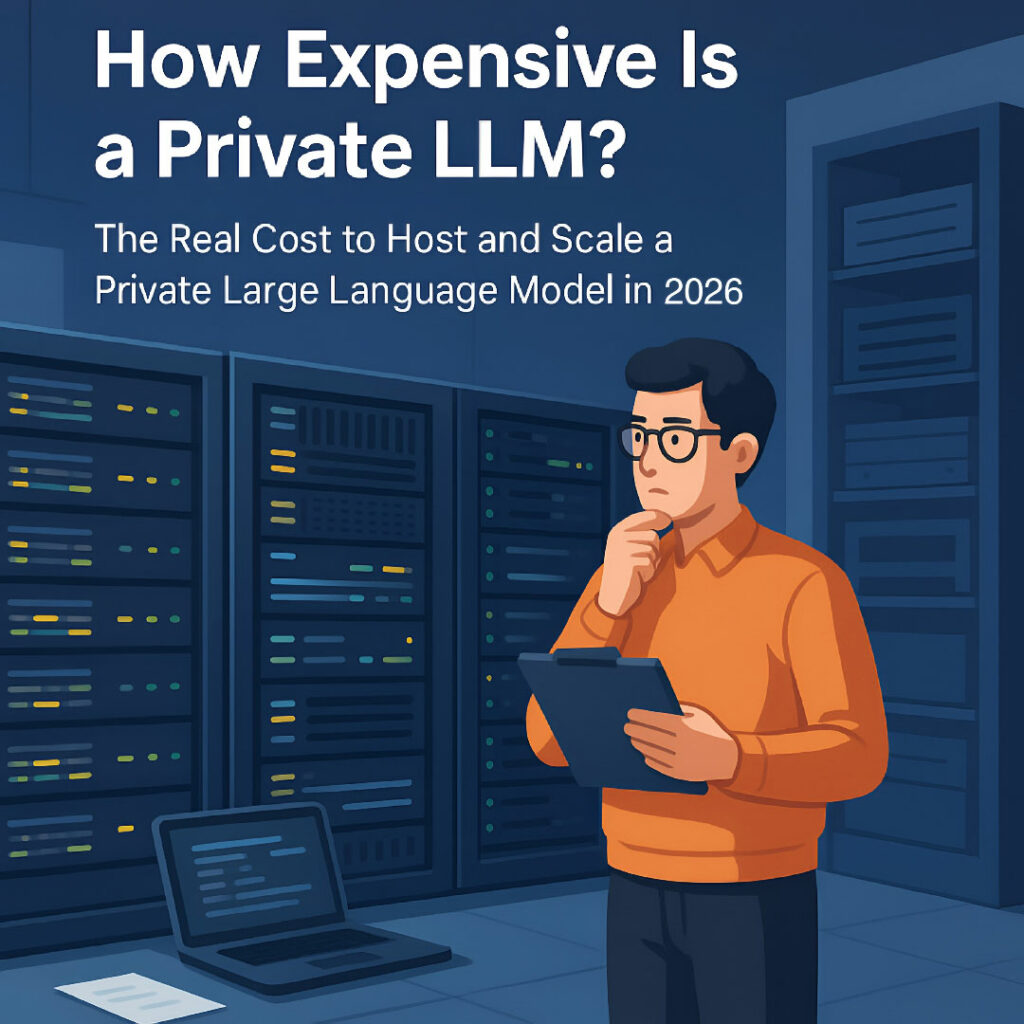
The hardware and the hidden costs
This is where the romance meets the spreadsheet.
Renting an NVIDIA H100 runs roughly $1.49 to $6.98 per hour depending on provider, with $3–6/hr a safe on-demand budgeting figure and around $2/hr achievable with spot or reserved capacity. Buying one is about $25,000 — but a $25,000 GPU needs a roughly $50,000 environment to live in (power, cooling, networking, the rest of the server), so realistic break-even on owned hardware lands around 18 months of near-continuous use.
A consumer RTX 4090 (~$1,600) can comfortably run 7B–13B models and, with two of them in parallel, a 70B model quantized to 4-bit (~42GB of VRAM). That’s a viable on-prem setup for a small firm running smaller models privately.
But the GPU price is the floor, not the ceiling. The costs teams consistently underestimate:
- Engineering time. A self-hosted deployment needs someone to configure model loading, tune batch sizes, manage GPU drivers and CUDA versions, monitor, and troubleshoot — conservatively 10–20 hours a month. At $75–150/hour for a capable engineer, that’s $750–$3,000/month in labor before you’ve served a single useful token.
- Utilization. A GPU billed by the hour but running at 10% load inflates your real cost-per-token by 10×. Idle hardware turns an “asset” into a liability.
- Scaling friction. Going from 1M to 10M tokens a day on the API is a config change. On self-hosted hardware it can mean more GPUs, a network redesign, and a lost weekend.
The honest summary from the cost analyses circulating this year: the all-in real cost of self-hosting tends to run 3–5× the raw GPU rental price once you include everything.
The cost analysis: where each option wins
Here’s the math that actually decides it. Self-hosting only beats a managed API once your volume is high enough — and steady enough — to keep expensive hardware busy.
Rough break-even points being cited in 2026:
- Below ~300K tokens/day: The managed API is almost always cheaper and dramatically simpler. There’s no contest.
- Cloud GPU rental starts beating API pricing somewhere above ~300K tokens/day for a given model — but only if utilization stays high.
- Owned-hardware, frontier-scale self-hosting generally needs to be in the neighborhood of 500M tokens/day before it delivers a clear multiple of savings over API pricing.
One widely cited worked example makes the point: 50 million tokens/day through a cheap mid-tier API costs around $2,250/month, while running the same workload self-hosted on four mid-range GPUs runs about $5,175/month — the “cheaper” route costing more than twice as much, because the hardware sits underused.
And against the very cheapest APIs (DeepSeek Flash, Gemini Flash-Lite, GPT Nano), the break-even on a single GPU can be effectively impossible to reach.
The takeaway: for something like 87% of real-world use cases, the API wins on total cost. Self-hosting earns its keep in two situations — regulated or contractually sensitive data that genuinely cannot leave your control, and ultra-high, steady volume.
If you’re not clearly in one of those buckets, buying is the rational choice, and the engineering hours you save are better spent on your product than on babysitting GPUs.
Not all "models" are the same thing
Now the second half of the decision, and the one AEC firms most often get muddled.
“Which LLM should we use” is the wrong question, because the jobs in front of an AEC firm need fundamentally different kinds of model.
Mixing them up leads to using an expensive reasoning model for a job a tiny one would nail, or expecting a chatbot to produce a rendering.
There are four categories worth separating:

1. Text LLMs. The familiar chat-and-reasoning models. These split further into large/frontier models (deep reasoning, long-document synthesis, coding, agentic multi-step work) and small/fast models (classification, extraction, routing, first-pass summarization). This distinction is the heart of cost control and deserves its own section below.

2. Vision / multimodal LLMs. Text models that can also read images — photographs, scanned PDFs, drawings, marked-up plans. This is enormously relevant to AEC, where so much information lives in scanned specs, site photos, and PDF drawing sets. A multimodal model can extract data from a spec sheet, read a hand-annotated markup, or describe a site condition from a photo. Claude, GPT, and Gemini all do this natively; on the open side, Gemma 4 is a strong single-GPU option.

3. Image generation (diffusion) models. A completely different technology that creates images from text. These are not LLMs — that’s the single most common confusion. They’re what you reach for to produce concept renderings, mood boards, or marketing visuals.
4. Embedding models. The quiet but essential category. Embedding models turn text into numeric vectors so you can do semantic search over your documents.
They’re the engine behind Retrieval-Augmented Generation (RAG) — the technique that lets a model answer questions grounded in your project documents rather than its training data.
For any AEC firm, RAG is the difference between a model that writes plausible-sounding generic text and one that answers from your actual specs and codes. Embeddings are cheap and worth running over your whole document corpus.
Image generation, specifically
Since the question of renderings comes up constantly in AEC, the image-generation landscape in brief:
| Model | Type | Approx. cost | Strength |
|---|---|---|---|
| GPT Image 2 | Managed API | ~$0.03–0.19/image | Best instruction-following, text in images |
| Midjourney V8 | Subscription | ~$10–60/mo | Aesthetics, polished visuals |
| FLUX.2 Pro | Managed API | ~$0.04–0.06/image | Photorealism, fast, good text rendering |
| FLUX.2 Dev / Klein 4B | Open weight | Self-host (compute only) | Local deployment, customization |
| Stable Diffusion 3.5 | Open weight | Self-host (compute only) | Arch viz, ControlNet, LoRA fine-tuning |
| Adobe Firefly | Managed | Subscription | Legally-clean commercial use, Adobe workflow |
| Imagen 4 / Ideogram | Managed API | Per-image | Imagen quality; Ideogram for text in images |
For an AEC practice, the most useful capability here isn’t raw photorealism — it’s control. Open models like Stable Diffusion 3.5 and FLUX, run with tools like ControlNet, let you condition generation on a sketch, a massing model, or a line drawing, which is far closer to a usable design workflow than typing a prompt and hoping.
That control is also a strong argument for self-hosting on the image side even when you’d buy on the text side — image generation is one of the few AEC workloads with steady enough volume and clear enough privacy benefit to justify local hardware.
"Small but fast" models: what they're actually for in AEC
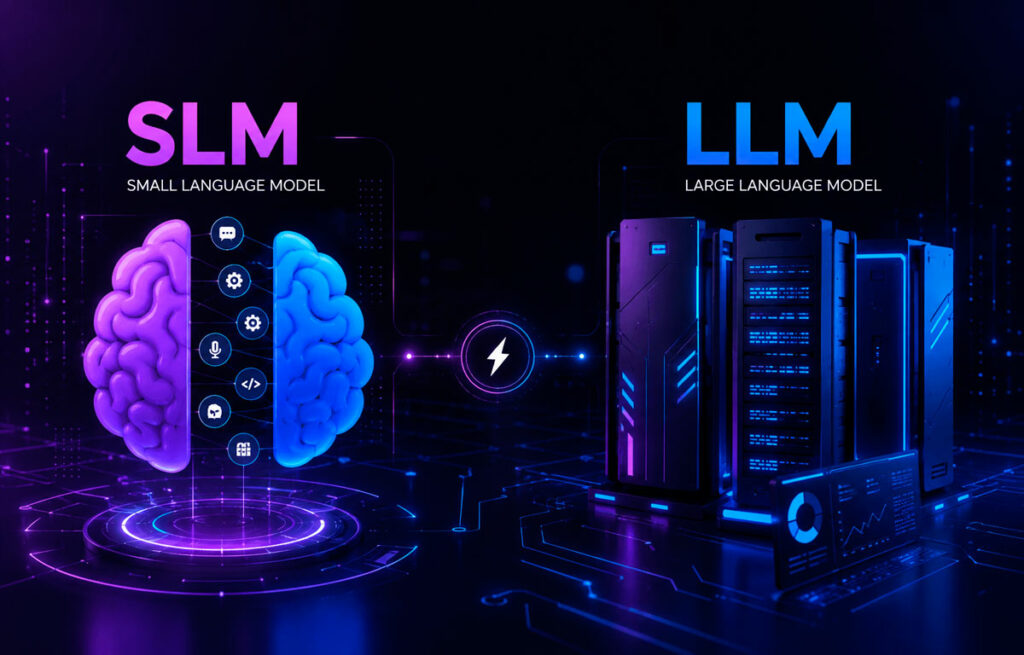
The question that prompted this post deserves a direct answer, with one clarification baked in. A genuinely small model — Claude Haiku, Gemini Flash-Lite, GPT Nano, or open models like Qwen 4B/8B and Phi-4-mini — is fast and cheap because it has few parameters.
DeepSeek’s cheap models are a different animal: V4 Flash is inexpensive but it’s a large mixture-of-experts model served at a low price, not a small model.
The distinction matters because “cheap to call” and “small enough to run on my laptop” are not the same property. If your goal is low API cost, DeepSeek Flash or Gemini Flash-Lite fit. If your goal is running locally on modest hardware, you want an actually-small model like Qwen 8B or Phi-4-mini.
Either way, the strategic insight is the same: a large fraction of AEC AI work doesn’t need a frontier model at all. The cheap-and-fast tier is the right tool for high-volume, well-defined tasks where the answer space is narrow:
- Structured extraction — turning a spec section or a door schedule PDF into clean JSON.
- Classification and routing — tagging incoming RFIs by discipline, flagging which documents mention a given product or code section, deciding which queries need escalation to a smarter model.
- First-pass summarization — condensing meeting transcripts, submittals, or daily reports.
- Data cleaning and tagging — normalizing inconsistent material names, parsing schedules, batch-labeling a document library overnight (ideal for the batch-pricing discount).
- Simple Q&A over documents — when paired with good RAG, a small model with strong retrieval often beats a big model with poor retrieval.
The expensive frontier models (Opus, GPT-5.5, Gemini Pro, DeepSeek V4 Pro) earn their cost on the harder end:
- Nuanced contract and code analysis — reasoning about interactions between clauses, identifying conflicts across a document set.
- Multi-document synthesis — pulling a coherent answer from dozens of sources.
- Agentic workflows — driving a sequence of tool calls, like a plugin that reads a model, queries data, and writes output, where staying coherent across steps is what separates success from garbage.
- Code generation — writing or debugging non-trivial plugin or automation code.
- Polished client-facing writing — design narratives, proposals, and reports where quality is visible to the client.
The professional pattern that’s emerging — and that keeps both quality and cost sane — is routing: a cheap model handles the bulk and classifies which queries are genuinely hard, escalating only those to a frontier model.
Done well, this captures most of the quality of always using the flagship at a fraction of the cost.
One caution that AEC, more than most industries, has to keep front of mind: these models recognize linguistic patterns; they don’t understand buildings, physics, or constructability.
A model can draft an RFI response or summarize a code requirement, but the output is assistance, not authority. In façade design, structural work, life-safety, and anything touching compliance, a qualified professional has to validate everything, and accountability stays with the project team. The industry bodies are unanimous on this, and it’s the right line to hold.
A decision framework
Pulling it together into something you can actually act on:
Start with a managed API. Unless you have a specific reason not to, this is correct. Use a tiered approach: a cheap model (Haiku, Gemini Flash, DeepSeek Flash) for extraction, classification, and bulk work; a frontier model (Opus, GPT-5.5, Gemini Pro) for reasoning, synthesis, and client-facing output; and route between them.
Get enterprise data terms in writing — zero data retention, no training on your inputs, and SOC 2 or equivalent — before any confidential client data touches an API. For US- and EU-facing client work, be deliberate about provider jurisdiction; this is where DeepSeek’s price advantage runs into a sovereignty wall.
Build RAG over your own documents with an embedding model. This is what makes any of these models actually useful for project-specific work, and it’s cheap. A small model with good retrieval beats a big model guessing.
Consider self-hosting only if you have (a) data that genuinely cannot leave your control for legal or contractual reasons, or (b) steady, high volume — think 300K+ tokens/day kept busy, or far higher before owned hardware pays off. If neither is clearly true, the API saves you money and engineering time.
Self-host on the image side sooner than on the text side. Open diffusion models with sketch-conditioning give you a controllable rendering workflow that’s hard to get from a per-image API, and the privacy and volume math is friendlier.
The firms that win with this technology in 2026 aren’t the ones running the biggest model or the cheapest one. They’re the ones who matched each job to the right kind of model, kept their client data defensible, and spent their scarce engineering hours on their actual product instead of on infrastructure they didn’t need to own.

Valentin Noves
I'm a versatile leader with broad exposure to projects and procedures and an in-depth understanding of technology services/product development. I have a tremendous passion for working in teams driven to provide remarkable software development services that disrupt the status quo. I am a creative problem solver who is equally comfortable rolling up my sleeves or leading teams with a make-it-happen attitude.